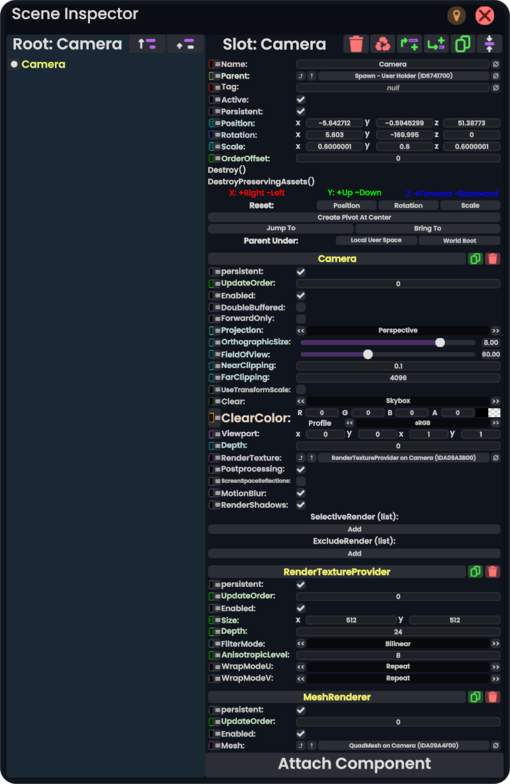
A list of SyncReferences to slots the camera is NOT allowed to render.
Usage
Put the component onto a slot, and position the slot. The produced image can either be accessed through a RenderTextureProvider component or by creating a Texture2D asset using the Render To Texture Asset Protoflux node.
If a camera is connected to a RenderTextureProvider, it will flash its contents to the screen whenever any field of the RenderTextureProvider is changed. To work around this, be sure to set the Depth value on the Camera component to something below 0 if you plan to change any fields while it is active. See this comment on issue #964 for more information.
If this component is disabled through the Enabled field it will freeze-frame on the last frame it saw and will not update until it is re-enabled
Examples
Security cameras, drones, picture takers, layered texture bakers, scanners, and more.