Template:Main Page/Sandbox/DYK random
Template page
More actions
This page grabs any and all facts in the prefix "DYK fact/%" and uses those to randomly select 3 of those for the https://wiki.resonite.com/Main_Page/Sandbox page
- ... you can use a group of slots as an "Array", or "Dictionary".
- ... that Resonite is age restricted to 16+.
- ... many things in Resonite use interfaces... meaning you can edit them freely.
- ... that The Resonance podcast has two EP32
- ... you have ant man powers in Resonite. Rescale yourself to any size at any time.
- ... you can switch from VR to Desktop mode and back using the F8 key on the keyboard.
- ... that you can interface with devices using OSC?
- ... Resonite has an official plugin system for extending core functionality of the engine.
- ... everything is modular, you can give the air itself a temperature, pressure, or humidity.
- ... Resonite supports eye tracking by default on models with eyes.
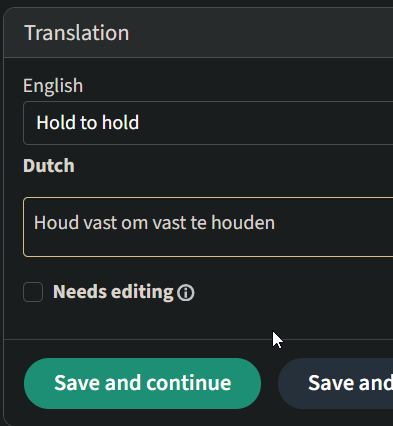
- ... that you hold to hold?
- ... you can keep multiple world sessions open and switch between them like browser tabs.
- ... you can use the world switcher to move held objects between worlds without using your inventory.
- ... the mirrors in Resonite can show you how you look to others instead of a flipped version.
- ... you can have a private, crystal-clear conversation during a digital riot or a blasting concert, using the Earmuff feature.
- ... the mentors are free to help; you can reach out to them on Discord by pinging
Mentor - ... that your Keyboard and dash menu exist inside of the userspace world?
- ... before the release of Resonite, The in-house codename for FrooxEngine was named after a Fruit: The Durian
- ... If you are on desktop and don't move. Users feel like they're talking a someone who's "not there" or paying attention.
- ... in desktop mode, you can zoom in on various UI elements, like videos and inspectors, by holding ctrl and clicking on them? To un-focus, ctrl-click outside a UI element.
- ... the universal clipboard, you can copy a 3D model from a website, an image from your desktop, or a snippet of code, and paste it directly into Resonite.